
Master Linux Command Line
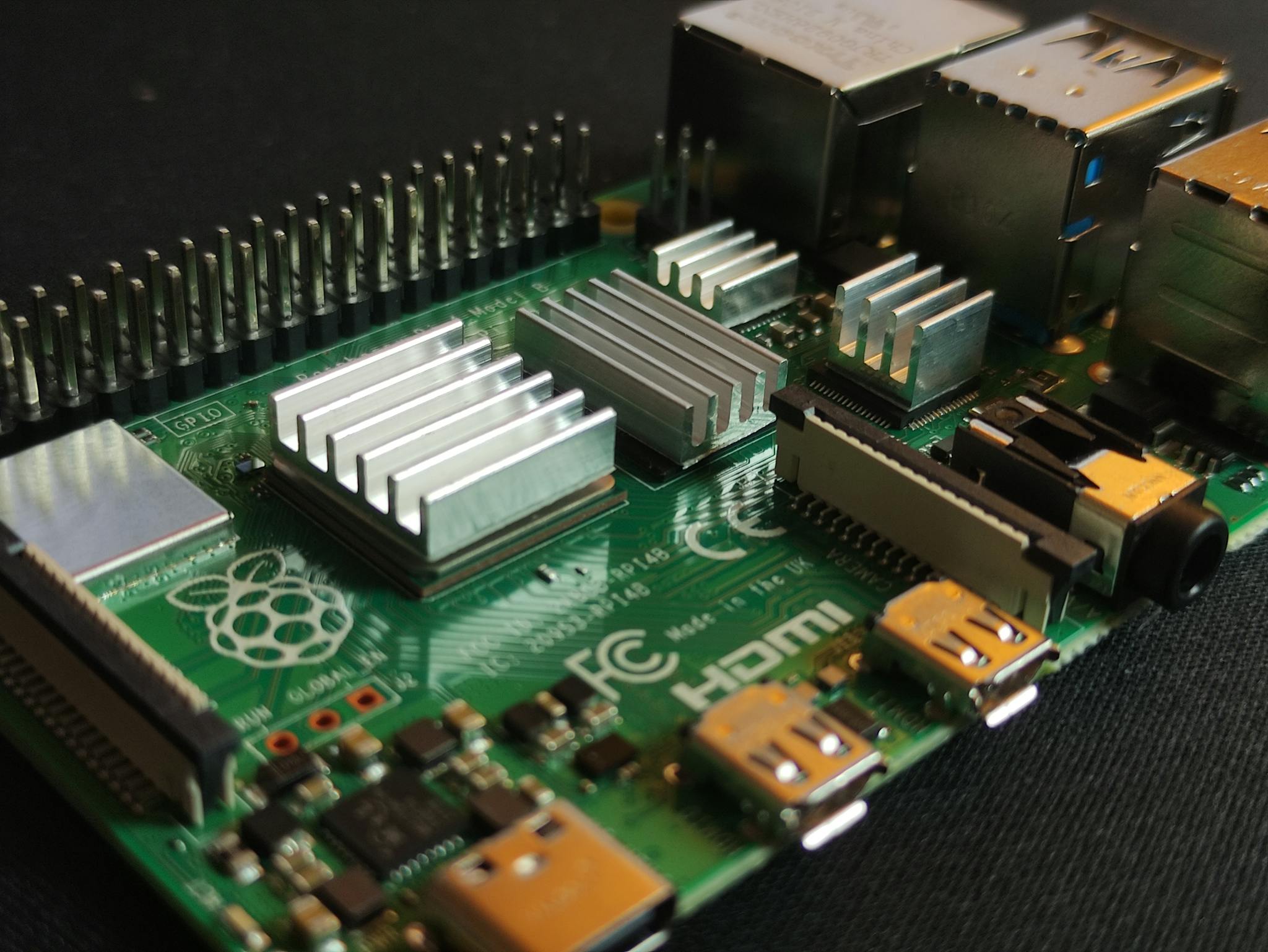
Stop guessing and start doing. We provide high-performance tutorials for Linux enthusiasts, from kernel basics to Raspberry Pi hardware hacks.



-
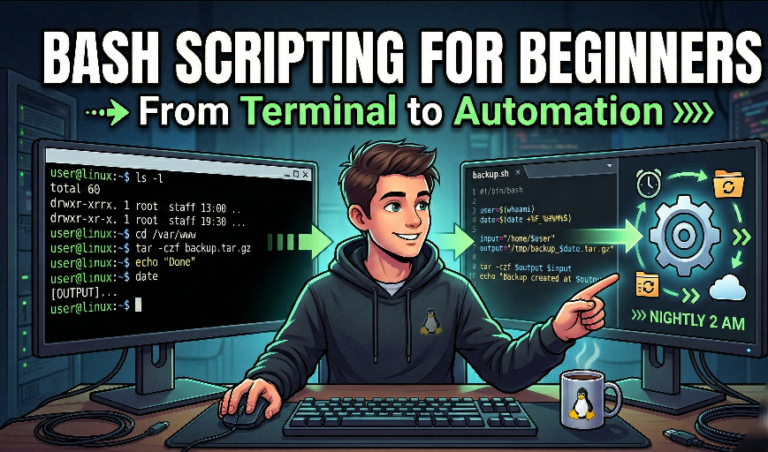
The Ultimate Step-by-Step Guide to Linux Bash Scripting for Beginners
Master Linux Bash scripting: fundamentals, variables, loops, functions, and cron job automation.
-
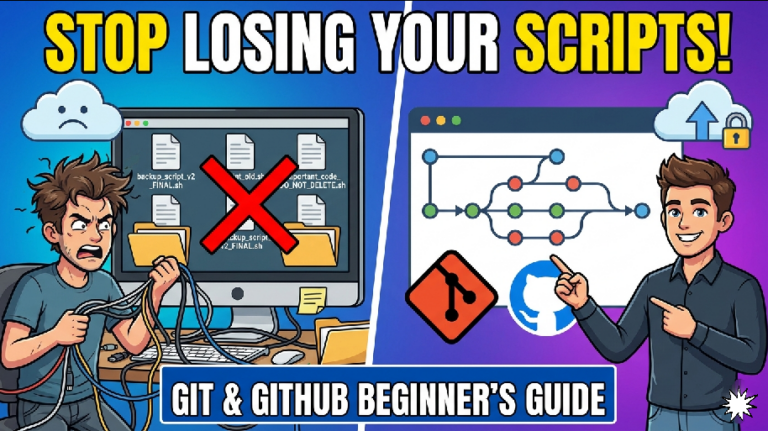
Stop Losing Your Scripts: Git and GitHub for Beginners
This guide for git and github for beginners introduces Git (local version control) and GitHub (cloud backup/collaboration) to stop losing scripts, teaching initialization, committing, branching for safe testing, and pushing code to the cloud.
-
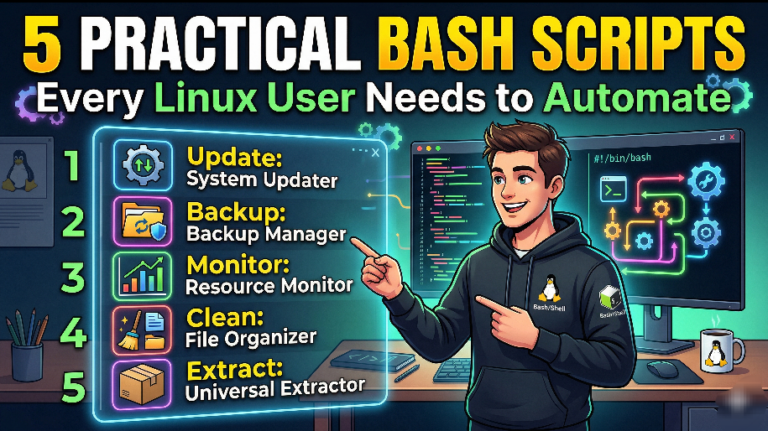
5 Practical Bash Scripts Every Linux User Needs to Automate
Welcome to the next phase of your Linux journey. If you have spent any amount of time in the Linux terminal,…
-
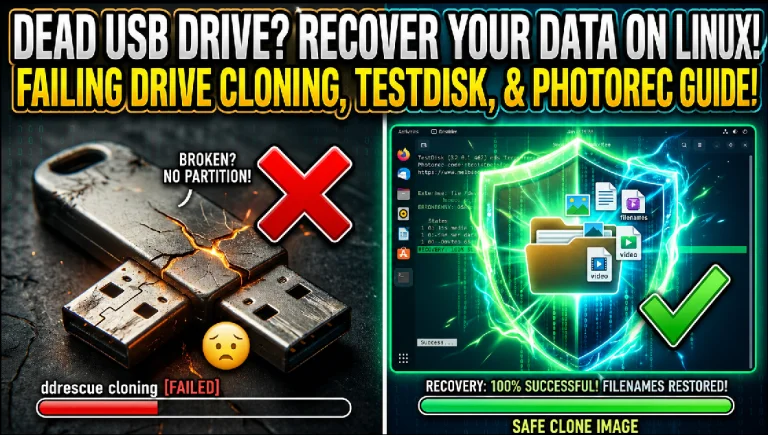
How to Recover Data from a Failing USB Drive on Linux
Accidentally lost files on a broken USB drive? Don’t panic. This step-by-step beginner’s guide shows you how to safely clone your failing drive on Linux and recover your lost data, photos, documents, and folders—even if the drive won’t open normally.
-
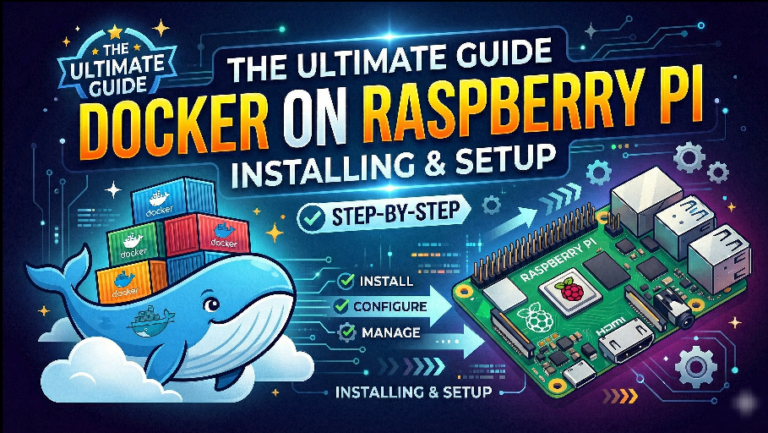
The Ultimate Guide: Installing and Setting Up Docker on a Raspberry Pi
Install Docker on Raspberry Pi: Step-by-Step Setup Guide The Raspberry Pi is an incredible piece of hardware for home labs, automation,…
-
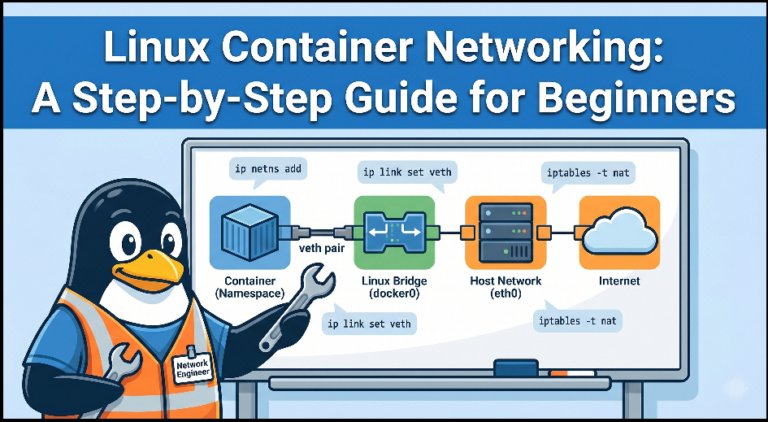
Linux Container Networking: A Step-by-Step Guide for Beginners
This comprehensive guide on
container networking, explaining how Linux Network Namespaces provide isolation, Veth pairs connect containers to the host, and Bridges scale traffic. It details NAT for outbound access and iptables for port forwarding, culminating in the architecture of multi-node CNI solutions.
Type a short headline
Consider using this if you need to provide more context on why you do what you do.
Tell your story in numbers, and give your visitors useful insights.
Make an impact, and share your organization’s stats or achievements to interest your website visitors into learning more about you.

Add a compelling title for your section to engage your audience.
Use this paragraph section to get your website visitors to know you. Consider writing about you or your organization, the products or services you offer, or why you exist. Keep a consistent communication style.
Let’s Start a New Journey with Linux
LinuxBlaze is a platforn dedicated to the Linux OS, providing free, open-source tutorials based on the Linux Kernel. We help you solve your Linux problems with expert guides
Craft a captivating title for this section to attract your audience.
Use a clear and attention-grabbing short paragraph to engage your audience and draw them into reading the rest of your content.
Add a brief description to your card.
Add a brief description to your card.
Add a brief description to your card.

Linux for Beginners
New to terminal? We make your first “sudo” command a breeze

Raspberry Pi Setup
High-speed guides to turn your pi into a server, media center, or retro console
Advanced Troubleshooting
Deep dives into GNOME Disk Utility, partition management, and kernel fixes
Get the Latest Linux Hacks
Join our newsletter to receive weekly terminal tips, distro reviews, and hardware updates directly in your inbox. NO spam, just pure code
